SWOP · Operations Platform

The keys stay with you.

SWOP isn't a wallet we hold for you — it's the tool to make your own. Spin up one wallet or a hundred, operate on Ethereum, and walk away. Keys are generated and kept on your machine; the moment you close the app, every trace is wiped. Enter, operate, exit.
Download for Windowsv1.0.0 · 74 MB
Latest v1.0.0 Windows 10/11 · 64-bit Free for members
SWOP — Siade Whales Operations Platform
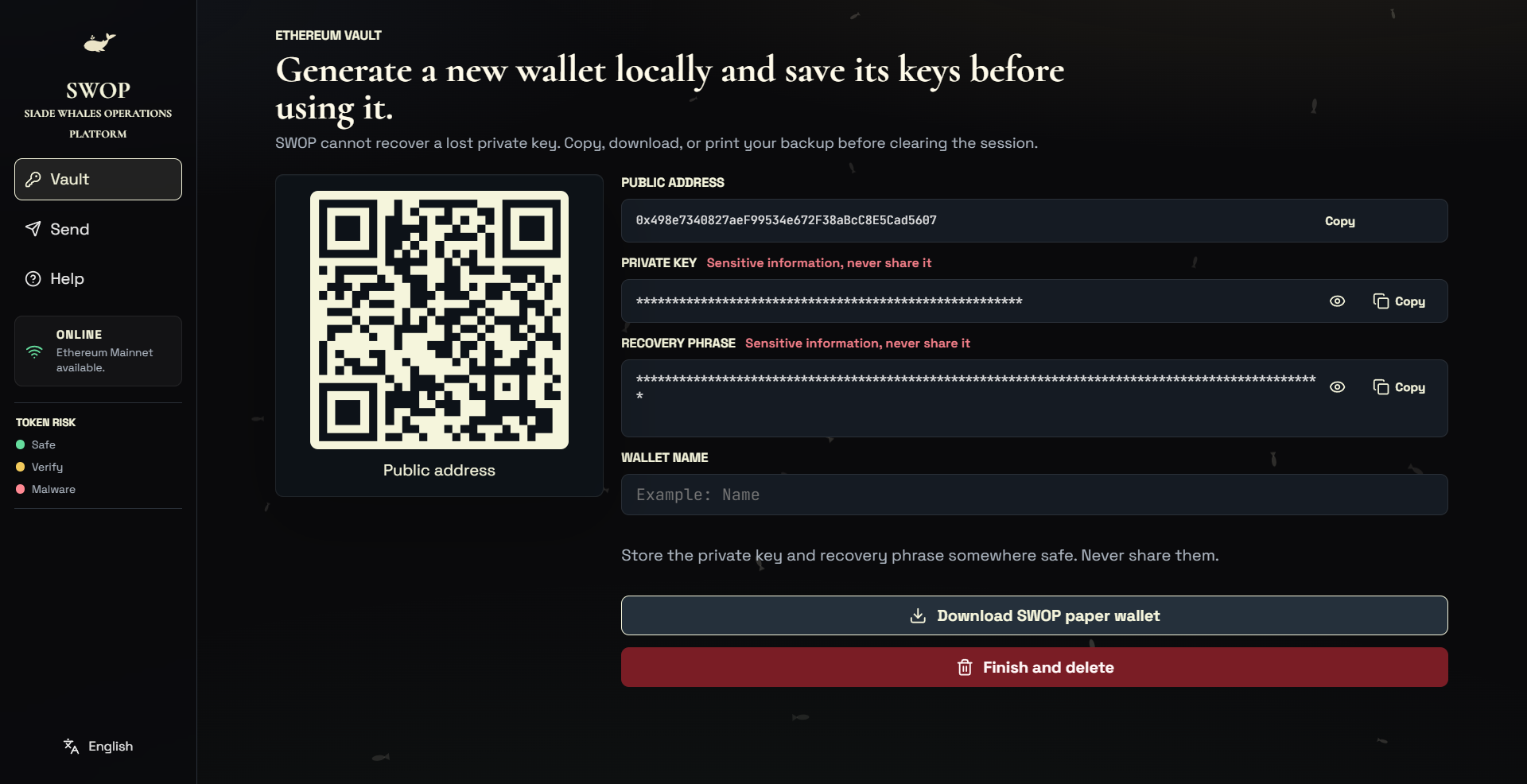
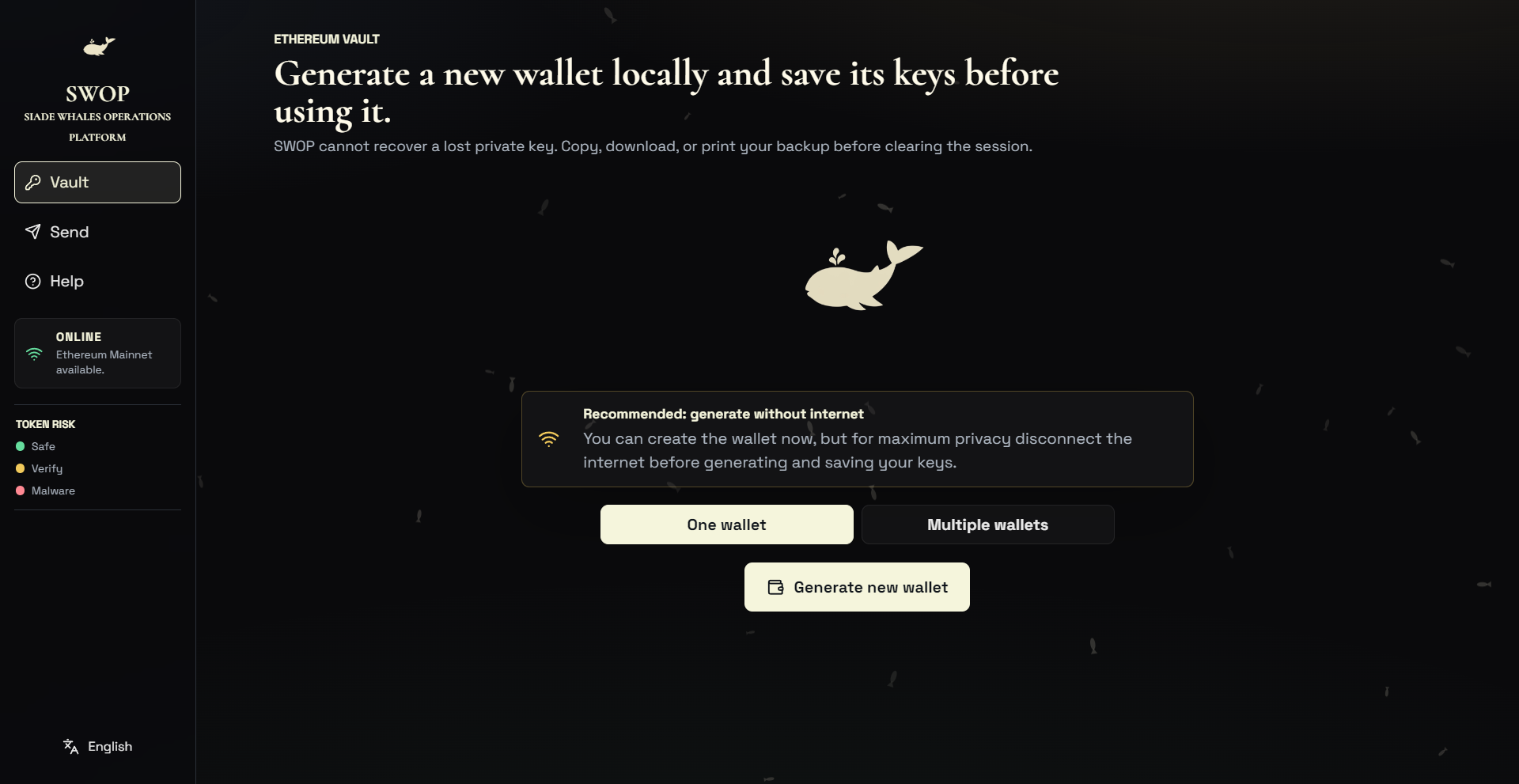
SWOP — generate a wallet
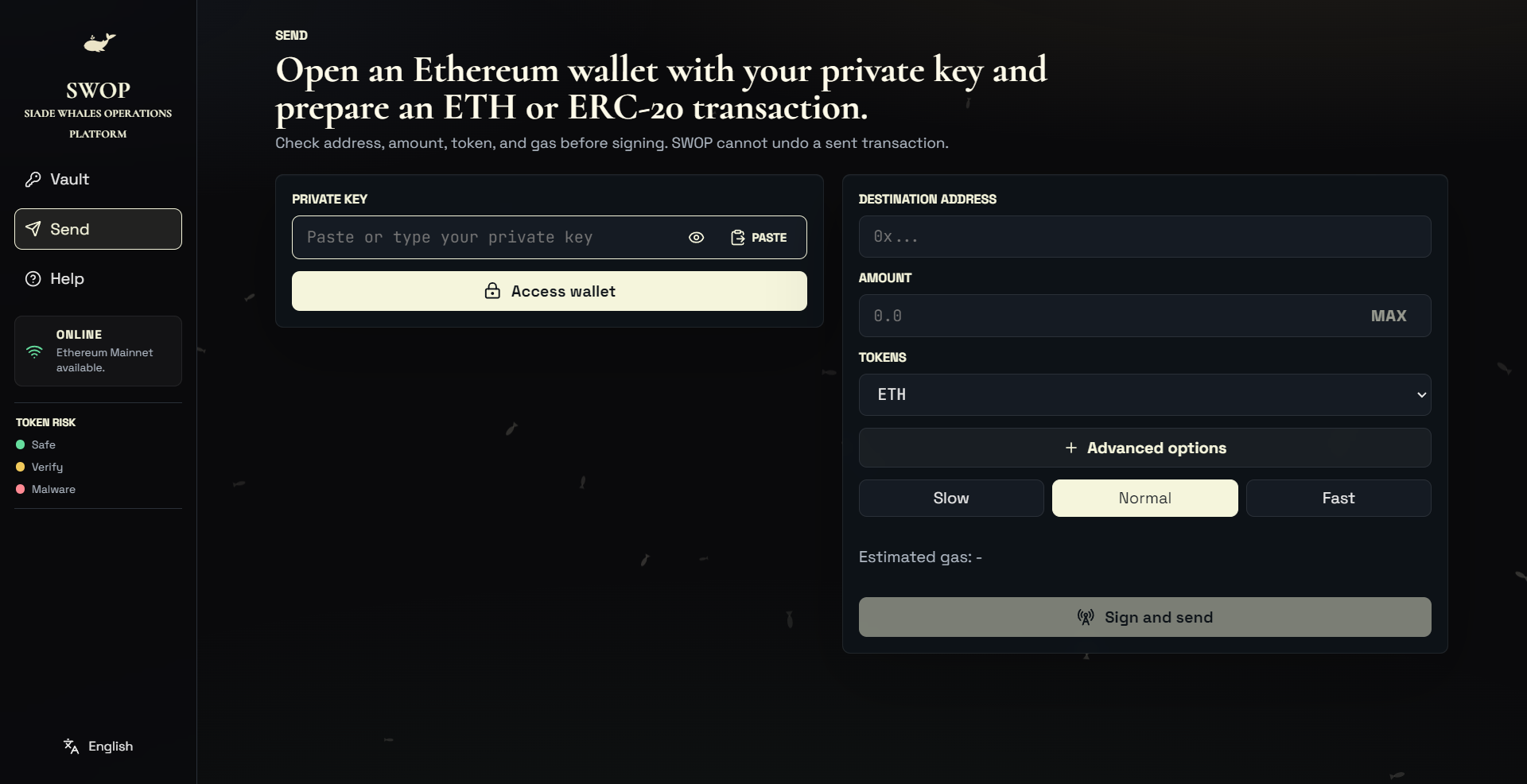
SWOP — send ETH
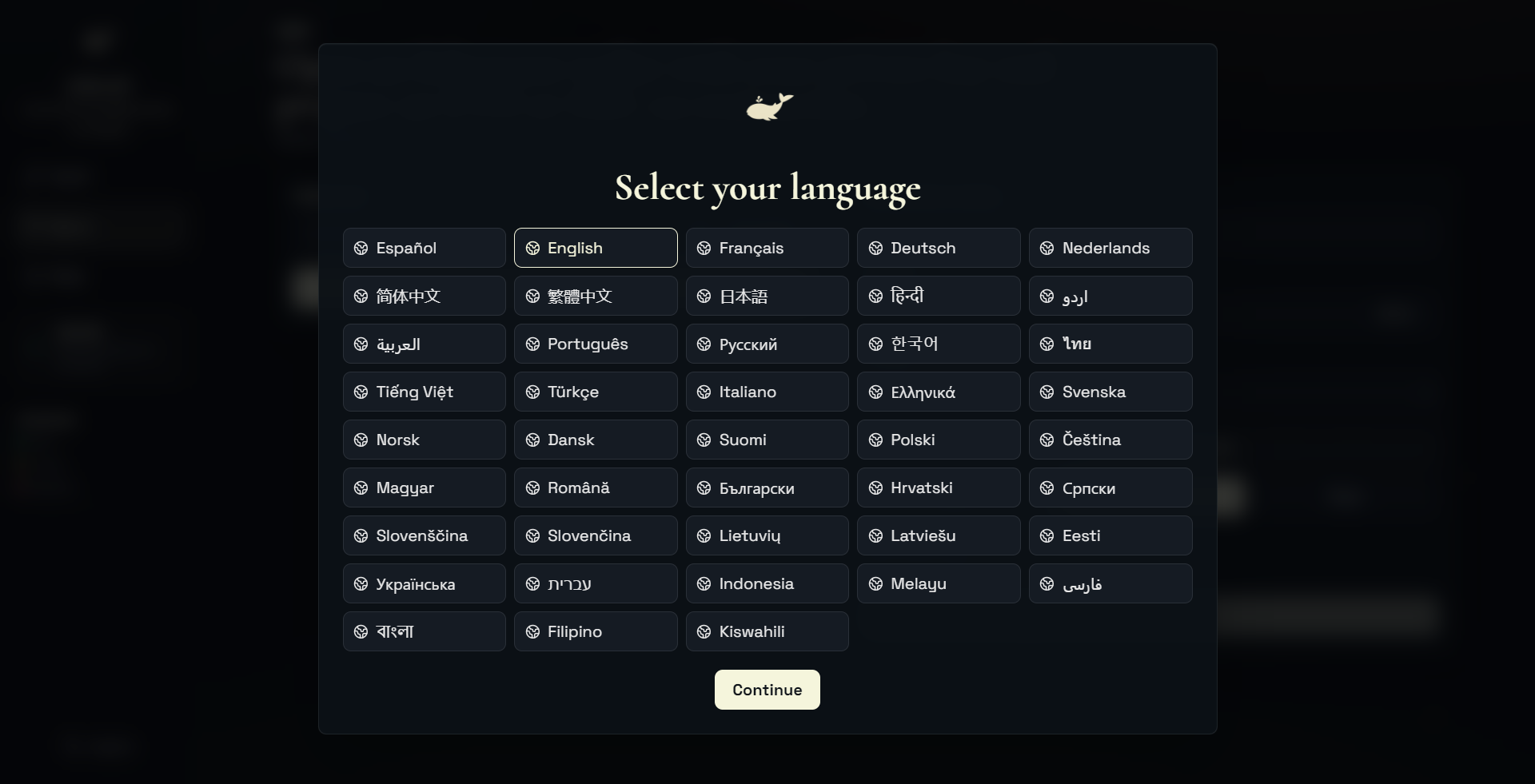
SWOP — 43 languages
What it is

Built to enter, operate, and leave

Generate at scale
Create a fresh wallet — or a hundred in one go. Your seed phrase, your keys, yours from the very first screen.
Operate on Ethereum
Send ETH and ERC-20 tokens, check balances, set the gas, sign and broadcast. Get in, do the thing, get out.
Token-risk flags
Every token is scored — Safe, Verify or Malware — so you never sign away funds to a scam or spam contract by mistake.
Nothing custodial
Keys are generated and kept on your machine. We never see, hold or transmit them — nobody controls your wallet but you.
Zero-persistence
Close it and everything is wiped — keys, history, sessions, even the language you picked. No cache, no logs, no trace.
Always the latest
SWOP checks for new releases on launch and guides you to the newest secure build, so you're never running stale code.
Speak your language

Available in 43 languages

EspañolEnglishFrançaisDeutschNederlands 简体中文繁體中文日本語हिन्दीاردو العربيةPortuguêsРусский한국어ไทย Tiếng ViệtTürkçeItalianoΕλληνικάSvenska NorskDanskSuomiPolskiČeština MagyarRomânăБългарскиHrvatskiСрпски SlovenščinaSlovenčinaLietuviųLatviešuEesti УкраїнськаעבריתIndonesiaMelayuفارسی বাংলাFilipinoKiswahili

Not a wallet we hold. Yours.

Crypto exists so that you — not a company — hold the keys. A custodial wallet is like a bank account: on paper it's yours, in practice someone else controls it. SWOP flips that. It generates and signs on your own machine and keeps nothing — we don't have your keys, your funds, or even a record that you opened it. The website stays watch-only; the operating stays with you.

Cold storage

Export a paper wallet

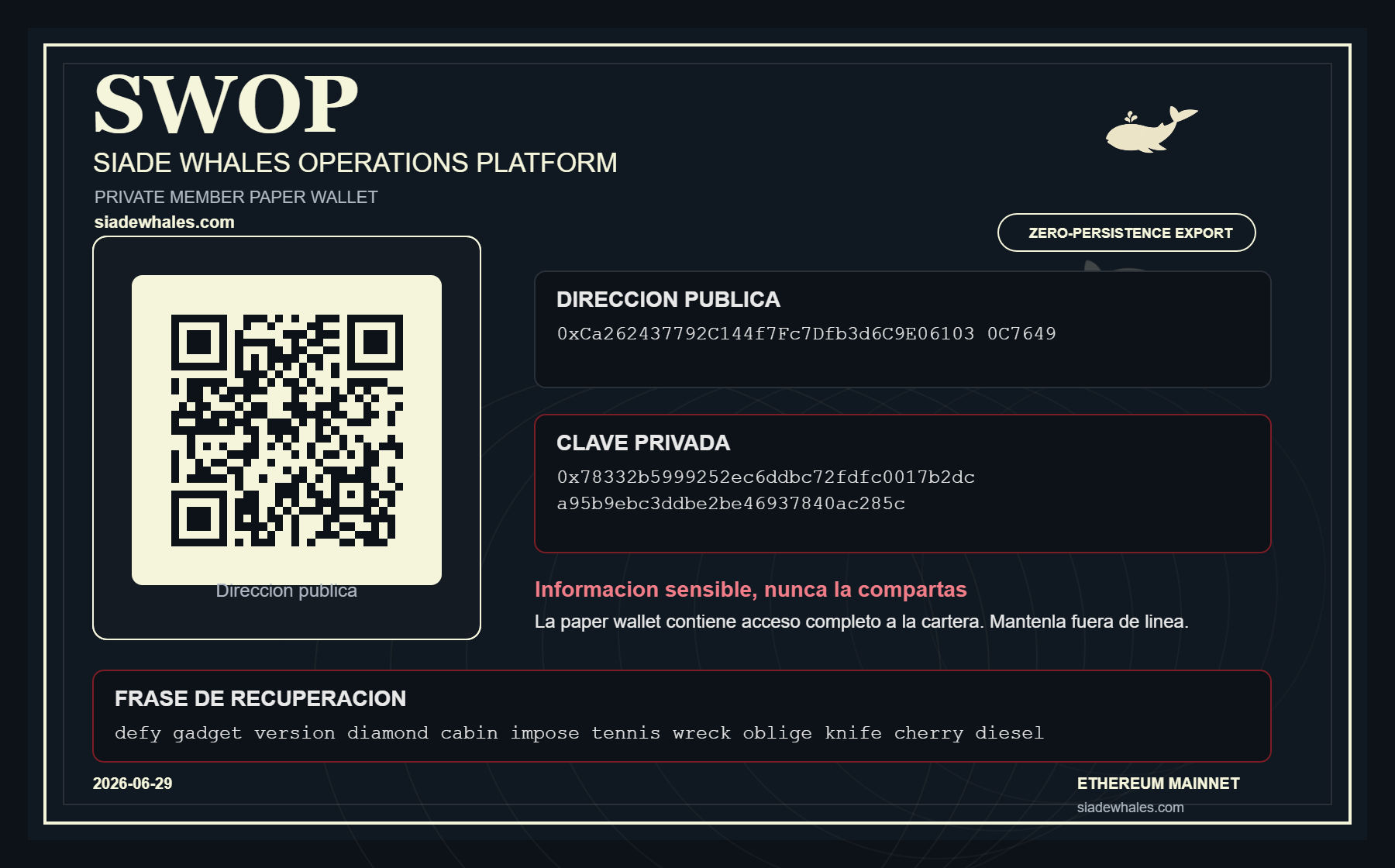
SWOP paper wallet export — public address, private key, recovery phrase and QR

Generate a self-contained backup — public address, private key, recovery phrase and QR — then print it and keep it offline. Zero-persistence export: nothing is saved once you close the session.

Whales OS · Bootable USB

Unplug the world.
Boot your vault.

SWOP can turn any USB stick into Whales OS — a self-contained operating system. Power your computer off, boot from the stick, and generate wallets or sign completely outside your everyday system: no Windows, no drivers, no malware, no trace. The most paranoid way to operate — in the best sense of the word.

1 Download the image→ 2 Flash it to a USB with SWOP→ 3 Boot from the stick & operate
Verify the SHA-256 before flashing — if the checksum doesn't match, don't boot it.
Getting started

Up and running in three steps

1

Download & open

Grab the portable build above and launch it — no installation needed.

2

Create or import

Generate a fresh wallet or import one you already own. Your keys stay on your PC.

3

Operate

Send and receive ETH on Ethereum, right from SWOP.

Ready to hold your own keys?

Download SWOP and operate Ethereum the self-custodial way.

Download for Windowsv1.0.0 · 74 MB
Self-custodial · Windows 10/11 · Free for members